STEALTHVPN / ORIGINAL SHARING RESOURCE / 9 NOVEMBER 2026
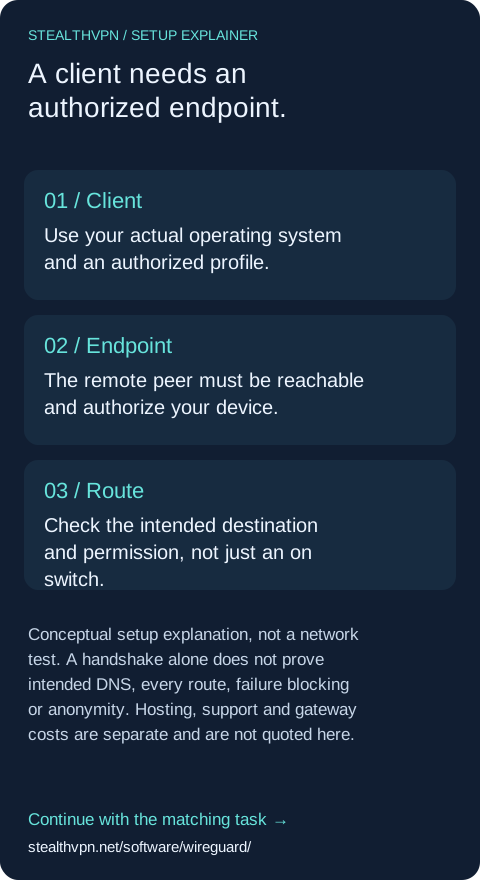
Installing a VPN client does not supply a gateway. Start with an authorized peer and configuration, then decide which destinations should use the tunnel. A commercial public internet exit differs from access to your own private network.
Before configuration, name the endpoint operator, target destination and intended route. Obtain the approved profile from that operator. Never publish private keys, configuration QR codes or credentials. Use the platform-specific walkthrough; this diagram is not a working configuration.
Conceptual setup explanation, not a network test. A handshake alone does not prove intended DNS, every route, failure blocking or anonymity. Hosting, support and gateway costs are separate and are not quoted here.
Follow the scoped client guide → https://stealthvpn.net/software/wireguard/