ORIGINAL RESOURCES / 9 NOVEMBER 2026
Useful explanations,
ready to share.
A billing example, a privacy evidence worksheet and a client setup explainer. Use each on its own, then follow the link to the matching task.
Download the resource kit · Sharing notes
For relevant newsletters, community answers and teaching material. Credit StealthVPN and keep the scope limits and matching link with each asset. These are original explanations, not provider endorsements or hands-on test results. No outreach or publication is claimed.
COST EXAMPLE
Read the bill, not just the monthly equivalent.
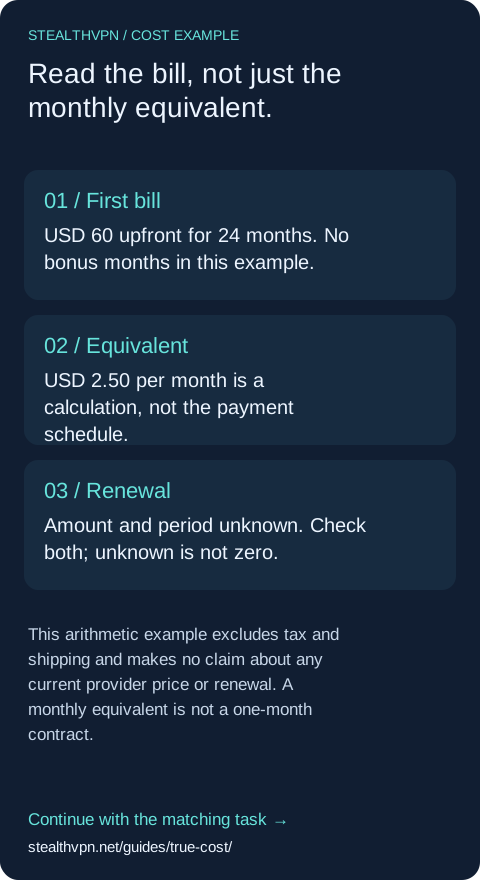
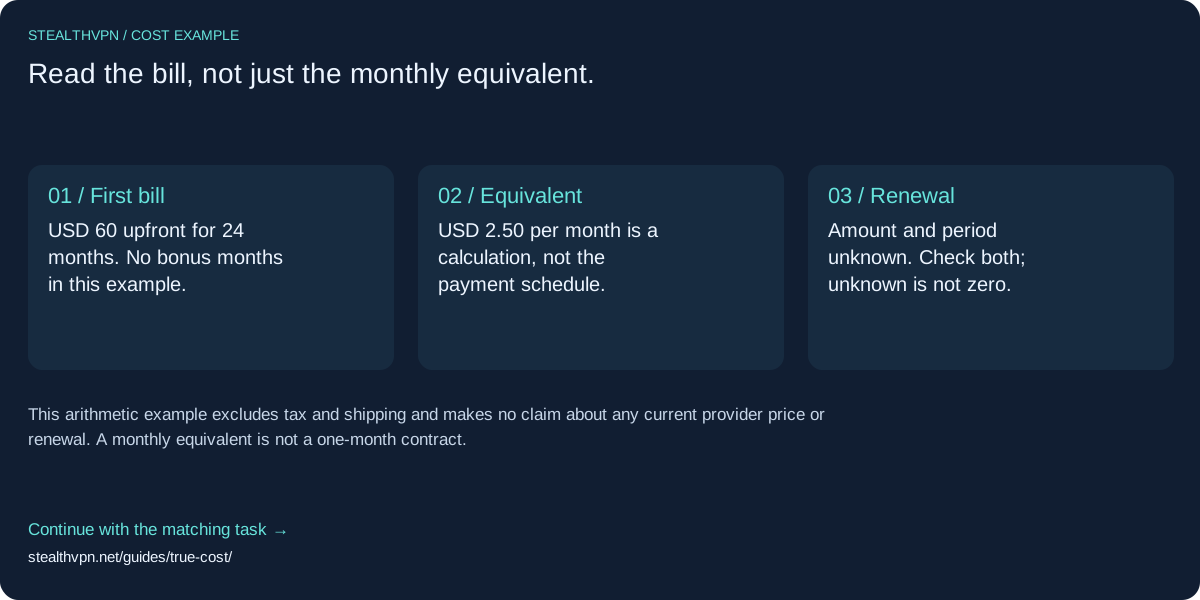
Illustrative USD example, not a live offer: USD 60 paid upfront covers 24 months with no bonus months. USD 60 ÷ 24 = USD 2.50 per month equivalent. It does not mean USD 2.50 is charged each month.
A useful next step
For a real offer, record currency, full first bill, initial months, bonus months, next renewal amount and period, tax treatment, cancellation conditions and observation date separately. Keep different currencies separate.
Open standalone worksheet · Wide SVG · Mobile SVG
Suggested newsletter copy
A headline monthly price can hide a multi-year payment. Here is a standalone USD60/24-month example and a worksheet for the first bill, renewal and unknowns. Use it alongside the actual checkout terms.
https://stealthvpn.net/guides/true-cost/?via=newsletter_billing
Optional public audience code only; it does not identify a person or prove a citation. The asset itself uses a clean canonical link.
EVIDENCE EXPLAINER
Give a privacy claim an evidence trail.
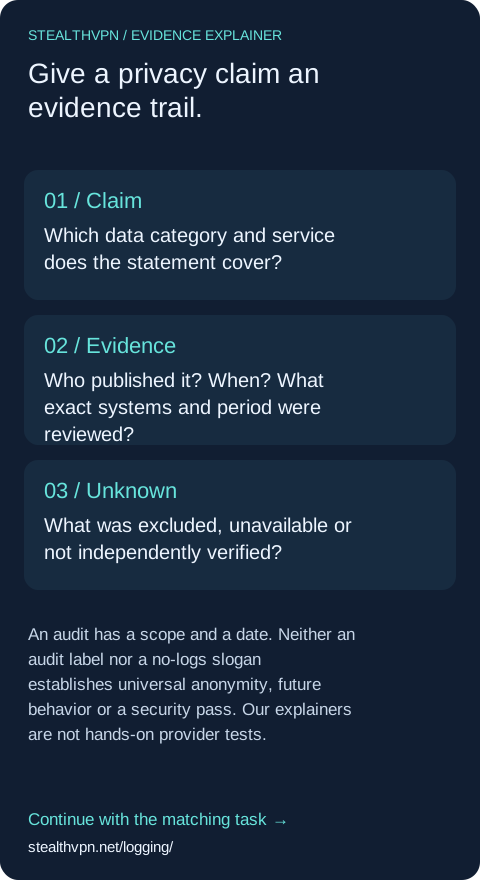
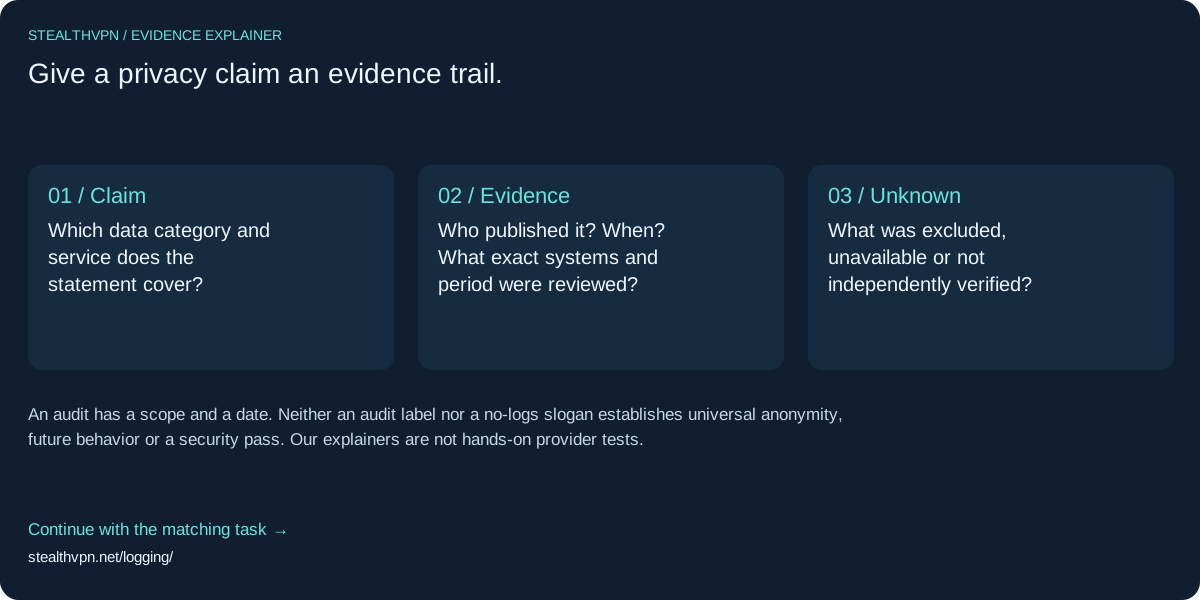
“No logs” is a claim to investigate. Start with the exact data category, the published source and date, then ask what evidence covers that scope. Keep account records, activity records and infrastructure separate.
A useful next step
Write one row: exact claim | source URL and date | who produced the evidence | covered system and period | exclusions and unresolved questions. A company statement and an independent assessment are different evidence types.
Open standalone worksheet · Wide SVG · Mobile SVG
Suggested community copy
If you are comparing privacy claims, this one-page evidence worksheet separates the company statement, dated evidence, covered systems and unresolved gaps. It does not reduce privacy to a safety score.
https://stealthvpn.net/logging/?via=community_privacy
Optional public audience code only; it does not identify a person or prove a citation. The asset itself uses a clean canonical link.
SETUP EXPLAINER
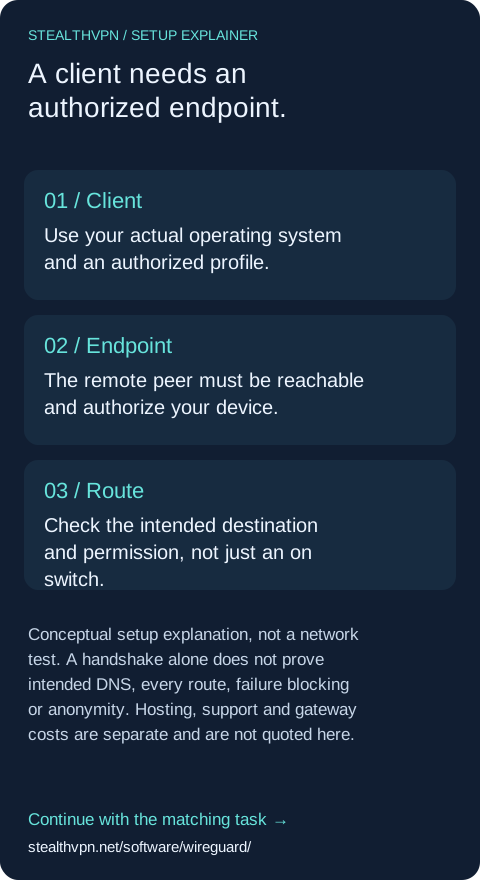
A client needs an authorized endpoint.
Installing a VPN client does not supply a gateway. Start with an authorized peer and configuration, then decide which destinations should use the tunnel. A commercial public internet exit differs from access to your own private network.
A useful next step
Before configuration, name the endpoint operator, target destination and intended route. Obtain the approved profile from that operator. Never publish private keys, configuration QR codes or credentials. Use the platform-specific walkthrough; this diagram is not a working configuration.
Follow the scoped client guide
Open standalone worksheet · Wide SVG · Mobile SVG
Suggested creator copy
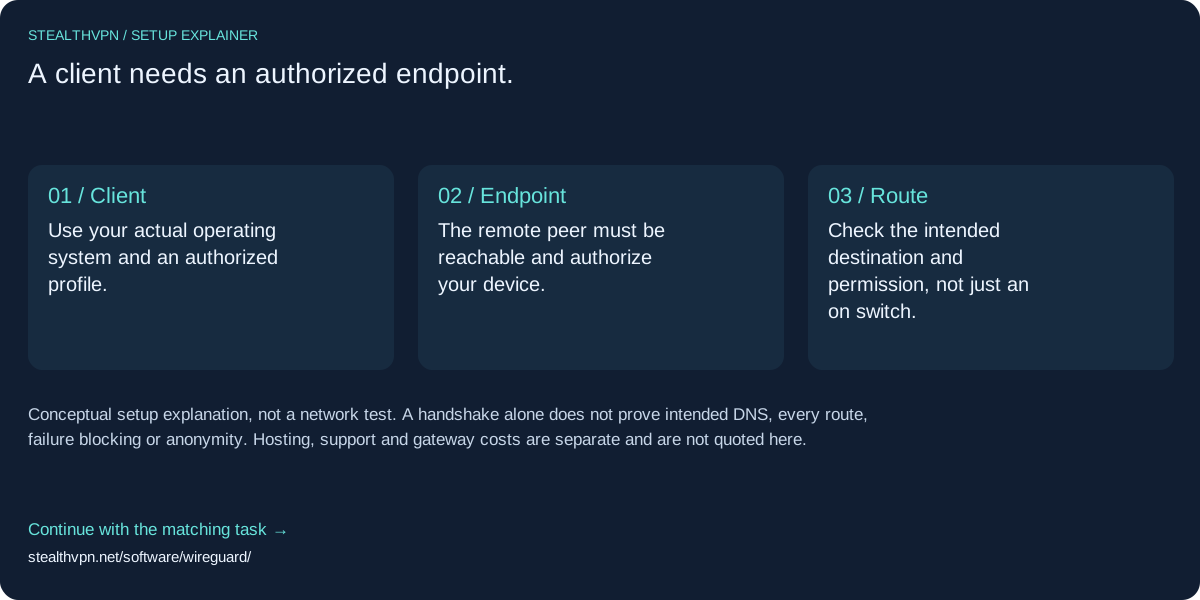
For a networking walkthrough, use this original client → authorized endpoint → intended route explainer. It distinguishes private access from a public exit and links to a scoped WireGuard guide. Do not show private keys or live configuration QR codes.
https://stealthvpn.net/software/wireguard/?via=creator_setup
Optional public audience code only; it does not identify a person or prove a citation. The asset itself uses a clean canonical link.
Continue the learning.
Coming from HTTP requests and URLs? Networking foundations connects DNS, routes, HTTPS and VPN boundaries with short self-checks. Start there before configuring a client or buying a subscription.
Source and scope notes · All prepared audience copy
Standalone worksheets load no analytics, scripts or remote assets. StealthVPN production uses disclosed Google Analytics. Public entry-code counts are approximate; they do not establish unique people, actual citations or sales.