Steam prices, Netflix, shopping, network privacy and private access. Explore what changes, what the service rules say and what still needs testing.
START WITH A TASK
Six paths through the details.
Pick a job, walk through an example, then open the guide or tool that helps with the next decision. A worked example is an explanation, not a purchase, playback or deployment test.
One pair for household device limits and shared ownership; another for Linux incoming connections and privacy evidence. These explain decisions, without a universal winner.
Start with simultaneous VPN connections and your exact app needs. Then read the service operator separately from shared ownership: changing brands does not necessarily change the holding group.
If you need an incoming connection on Linux, start with the supported server, client and assigned port. Then compare the contracting entity and scoped evidence; a country label alone does not settle the privacy decision.
A VPN changes a network path. Whether that produces a useful result depends on the task. These guides distinguish documented policies and technical uses from savings or playback claims we have not tested.
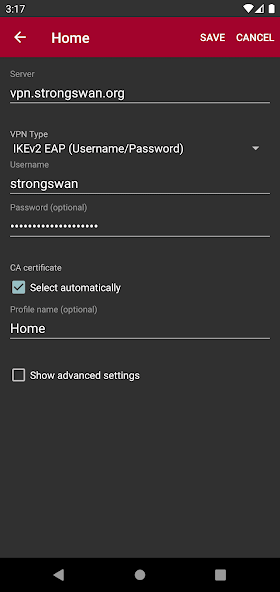
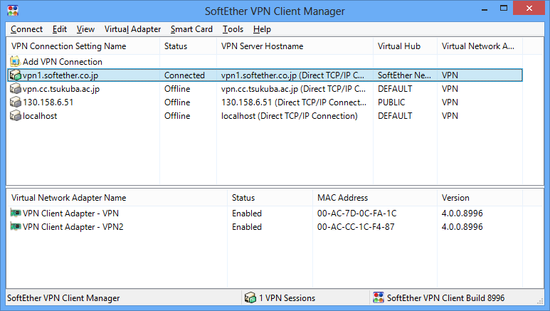
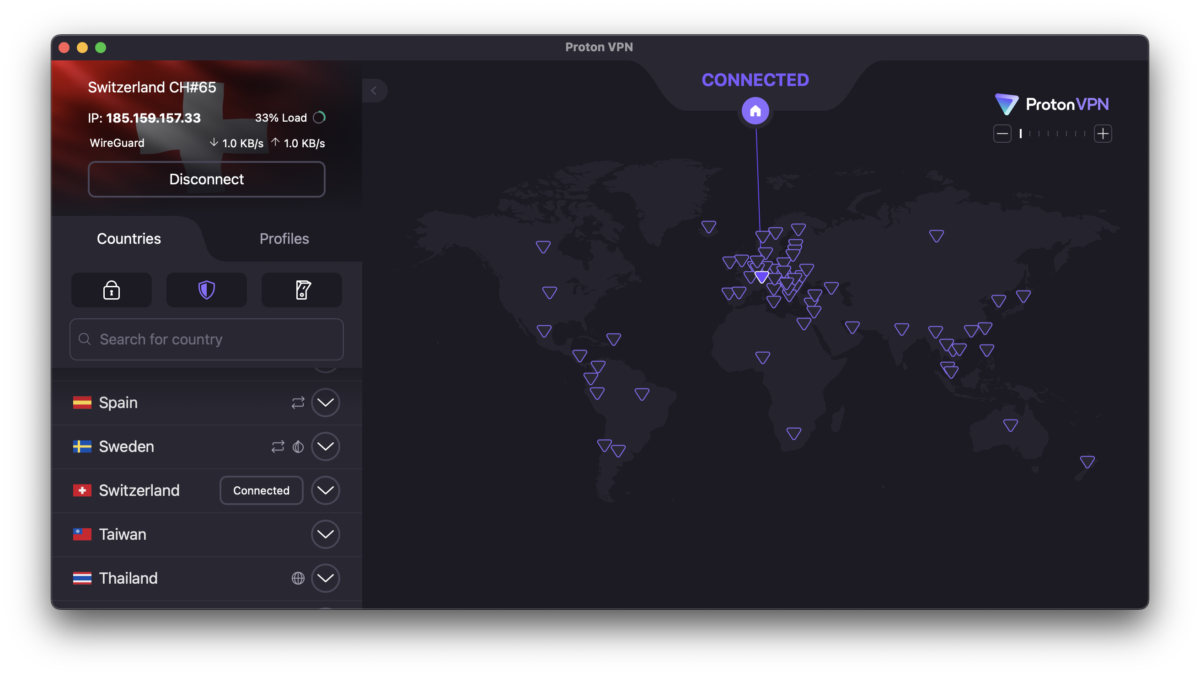
Eight client walkthroughs across Windows, Mac, mobile, Android TV and a specific router dashboard, with 33 genuine application and official-documentation screenshots. The four open-source client guides include seven or eight steps each, from installation to disconnecting. Choose the matching platform and version; each guide includes symptoms, checks and a way back.
Install the official client, approve its network extension and make a first connection. This example uses a Proton account; Free and paid plans have different location and feature access.
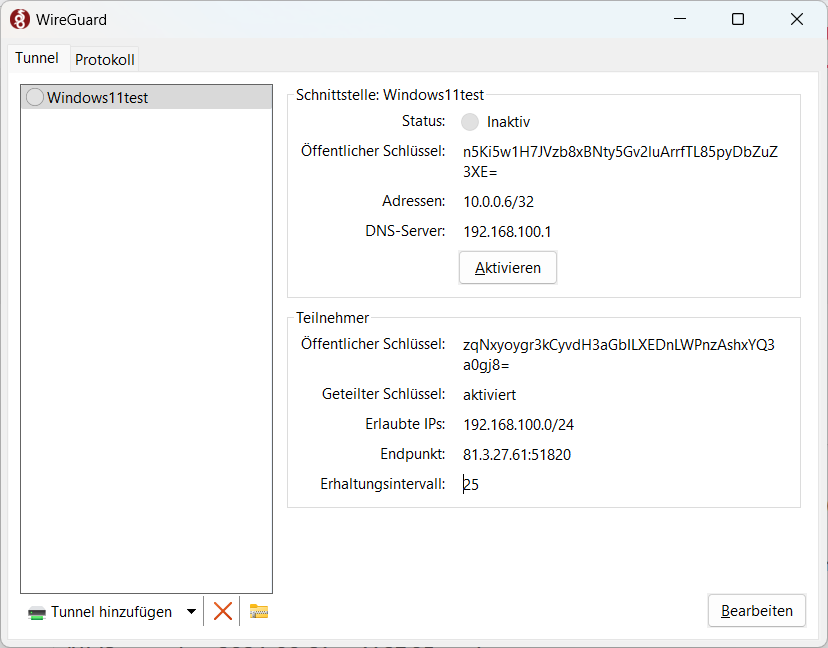
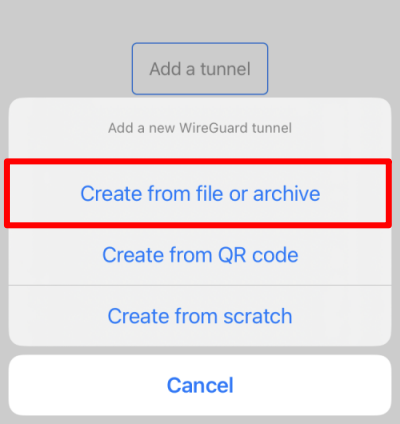
Use an existing .conf from a gateway you are authorized to access. Proton’s manual guide is the worked example; a workplace or private gateway may issue a different profile. The gateway and device peer must already exist.
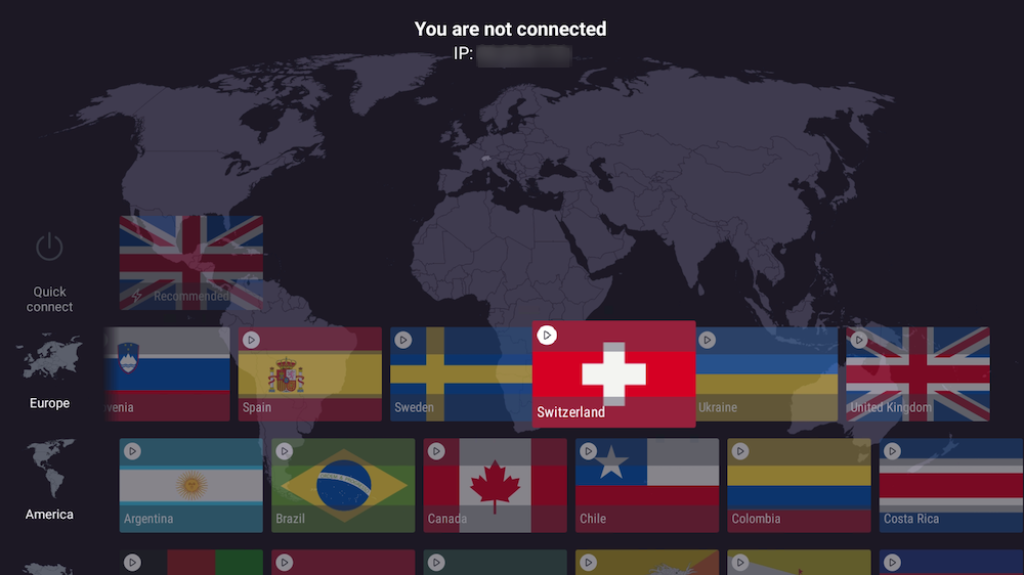
Install the official TV app and link your account. Free can run the app; Proton says streaming support requires a paid plan. A supported app does not guarantee a title, catalog or service will play through a VPN.
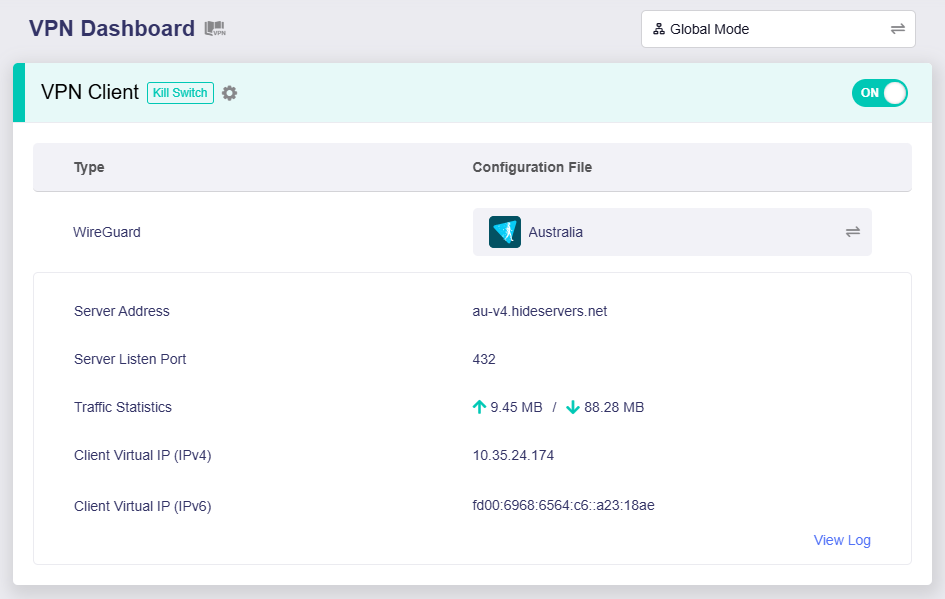
Import an authorized client profile and check the intended client-device routing. This does not flash firmware, build a server or certify a router. An ISP router’s VPN-server label does not establish WireGuard-client support.